AR Drawing App for Tracing, Sketching & Learning to Draw

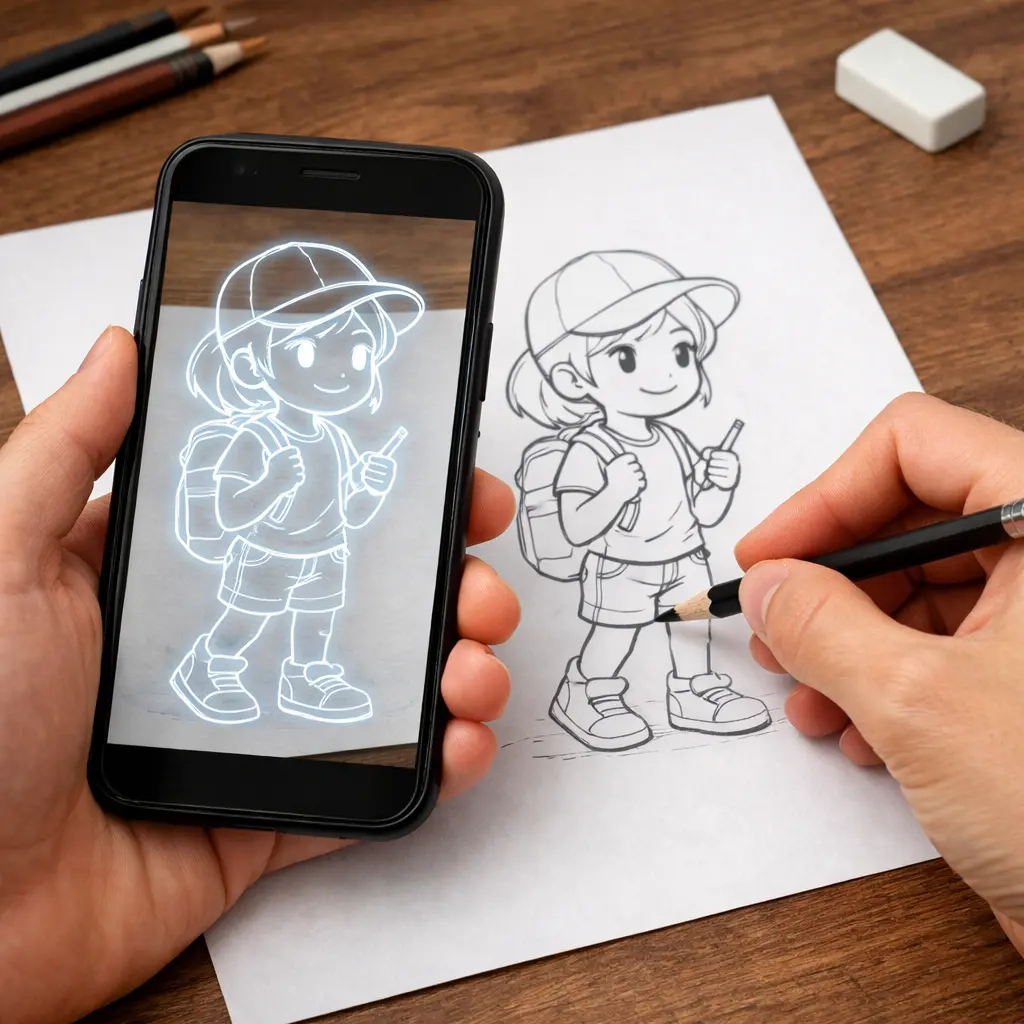
Learn to Draw with Augmented Reality. Access step-by-step drawing lessons, ready-made templates, and powerful AI features. ArtEasy is an AR drawing app that helps you trace and draw on real paper using your phone camera.

Get Started For Free
4.6

App ratings

ArtEasy AR drawing app using phone camera to trace a sketch on a real surface
1M+
Downloads
79%
 drawing level increase
in just 2 weeks
500+
Templates

Ever wanted to learn how to draw but didn’t know where to start?

There’s a ton of tutorials out there, but no clear path.You’ve tried videos, downloaded apps, traced drawings… and still felt stuck. Just copying lines gets boring fast.

Sounds familiar?

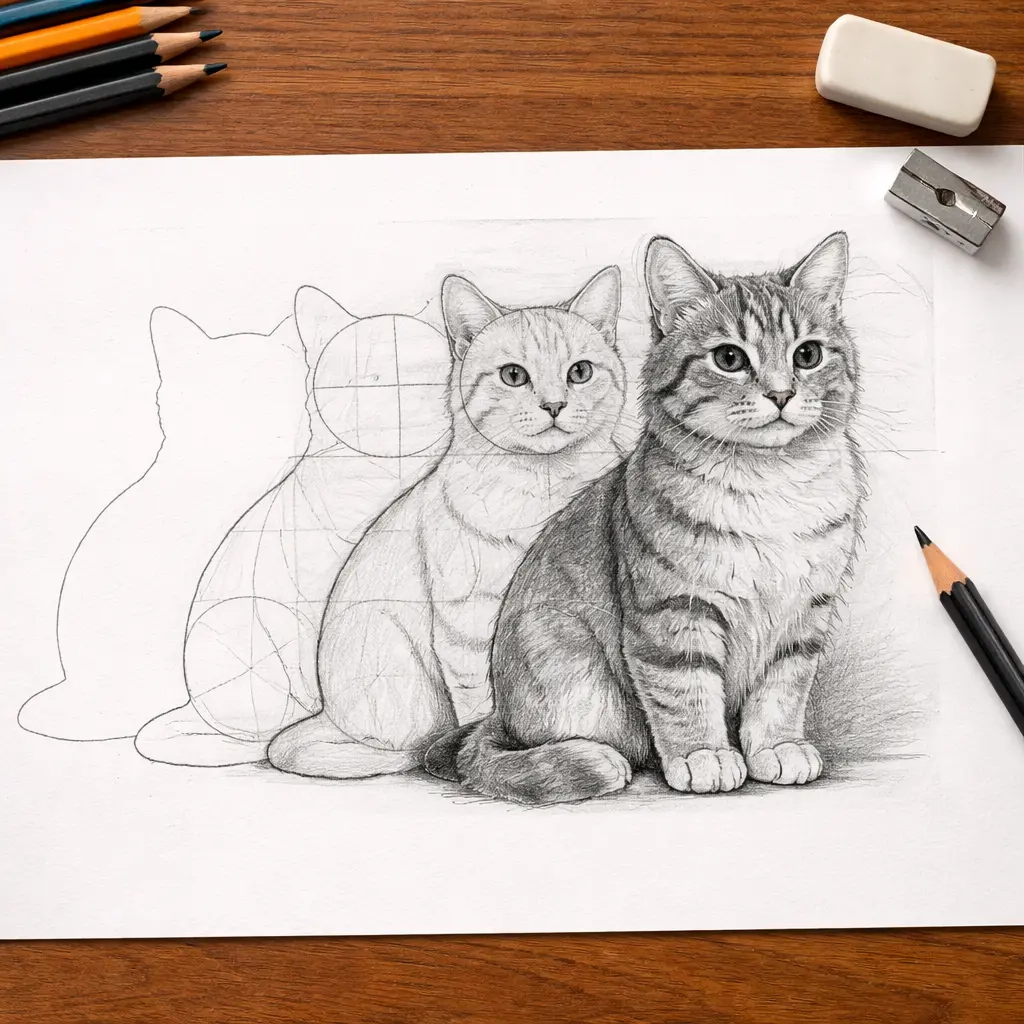
ArtEasy gives you a clearer way to learn: start with AR tracing, follow step-by-step lessons, and build each drawing with more confidence from the very first lines.

Upload photo and trace with AR drawing app
Beginner learning to draw with ArtEasy AR drawing app

How an AR Drawing App Helps You Learn to Draw

Most beginners don’t struggle with ideas — they struggle with the first lines. Keeping proportions right and making a sketch look like the reference is hard.

ArtEasy helps you bypass that barrier. Using your phone’s camera, it overlays a sketch onto any surface so you can trace the main outlines and see how the drawing is built. Start with a ready-made template, upload a photo, or generate a sketch with AI. With step-by-step lessons, you’re not just copying — you’re practicing to improve with every sketch.

Try AR drawing Online

Want to see how augmented reality drawing works? Try a online version of ArtEasy in your browser. Choose a sketch, open your camera, and test camera-based tracing before downloading the full app.
Start drawing
Convenient projection of images onto any surface

Convenient projection of images onto any surface

Found a cool reference online? Use your phone to upload it, and the sketch app transforms it into a virtual guide. You can trace a projected picture right on paper and color it however you want.

Add your own images from the gallery or browser - draw anything you want

Found a cool reference online? Snapped a photo you want to turn into a sketch? Just upload it. The app turns it into a sketch-ready guide, so you can trace it using your camera and bring your ideas to life with a pencil. You’re not limited to built-in templates.

Upload photo and trace with AR drawing app
Large catalog of ready-made sketches, constantly updated with new collections

Large catalog of ready-made sketches, constantly updated with new collections

Our AR drawing App includes a growing collection of ready-to-use sketches across categories like anime, portraits, nature, and more. You can trace them, experiment with different styles, and sharpen your technique over time. New content drops regularly, so there’s always something fresh to practice with.

“My Templates” section, where all your added images are saved

Save your creations in the My Templates tab to reuse them anytime. It’s your personal drawing toolset, organized, flexible, and always ready to help you improve your drawing skills.

ArtEasy AR drawing app showing saved templates for tracing
Templates
Anime drawing template
Anime
Cartoon drawing template
Cartoon
Cute drawing template
Cute
Fantasy drawing template
Fantasy
Architecture drawing template
Architecture
Tattoo drawing template
Tattoo
Aesthetics drawing template
Aesthetics
People drawing template
People
Abstract drawing template
Abstract
Anatomy drawing template
Anatomy
Animal drawing template
Animal
Cars drawing template
Cars
Flowers drawing template
Flowers
Food drawing template
Food
Nature drawing template
Nature
Download AR Drawing App

Who ArtEasy is for

For Begginers - who wants to learn to draw from scratch
Begginers
who wants to learn to draw from scratch
For Artists - looking to grow their skills
Artists
looking to grow their skills
For Anyone - who enjoys creating and  wants a simple, hands-on tool
Anyone
who enjoys creating and  wants a simple, hands-on tool

How to Use ArtEasy AR Drawing App

Choose a template or upload your own

Start with a ready-made drawing template, upload your own picture, or generate a clean outline with AI. ArtEasy turns your idea into a sketch you can use for AR tracing.

Project it onto paper

The app uses your phone camera to show the sketch on any surface. You can resize, rotate, move, and adjust transparency before you start drawing.

Trace the outline

Look at your screen and follow the lines on the surface. AR tracing helps you keep proportions, shapes, and composition more accurate while you draw.

Keep practicing

Use step-by-step drawing lessons and new templates to keep improving your skills over time.

Choose the right plan for AR Drawing App

ArtEasy Premium is here for every stage of your digital journey

100% Money-Back Guarantee
If you don’t love, get a full refund within 14 days — no questions asked
Weekly
$9,99
/week
3 days free and then $9,99/week
Auto-renewable
Continue
Yearly
$0,93
/week
Best Offer
Billed annually $44,99/year
Auto-renewable
Continue
The 14-day money-back guarantee is available for website purchases only

User Showcase

Our Ratings and Reviews

“Very good
The interface is really simple and easy to use. I can now draw anywhere with ease.”
William Davis
“I know you’re not gonna look at this So good but my mom said I could only use the free one. I wish you could read this and just give me the whole app for free so I can keep using it.”
Liam Anderson
“Omggggggggg I am in love with this app it has made my drawings look so much better than before.”
Sweet Susie
Get Started For Free

FAQ

Do I need to know how to draw before using this app?
Nope. You can start with zero experience. The app is made to help beginners learn to draw step by step.
How does the augmented reality part work?
The app uses your device's camera to project an image onto a real surface, like a sheet of paper. You see the image on your screen, line it up, and trace it. It makes augmented reality drawings simple and intuitive.
What are the minimum requirements to use the AR Drawing App ArtEasy?
iPhone: Requires iOS 15.0 or later.
iPad: Requires iPadOS 15.0 or later.
iPod touch: Requires iOS 15.0 or later.
Mac: Requires macOS 12.0 or later and a Mac with Apple M1 chip or later.
Apple Vision: Requires visionOS 1.0 or later.
Can kids use it?
Definitely. The app is easy to use, even for younger users. It’s great for kids who want to learn how to draw, especially with fun categories like anime and cartoons. Adult supervision may be helpful for younger children.
How does the subscription work?
You get a 3-day free trial to try everything. After that, the app charges your Apple ID unless you cancel before the trial ends.
The subscription renews automatically every billing cycle unless you turn off auto-renew in your Apple ID settings. You can cancel anytime there.
If you cancel during the trial, you won’t be charged. Taxes are included in the price shown.
Can I use it without internet?
Yes, many features work offline once the content is downloaded.
What languages is it available in?
English, Arabic, Filipino, French, German, Hebrew, Indonesian, Italian, Japanese, Polish, Portuguese, Simplified Chinese, Spanish, Thai, Traditional Chinese, Turkish, Vietnamese
Download ArtEasy and start making unique drawings today, using augmented reality technology and your imagination
Start 3 days free trial