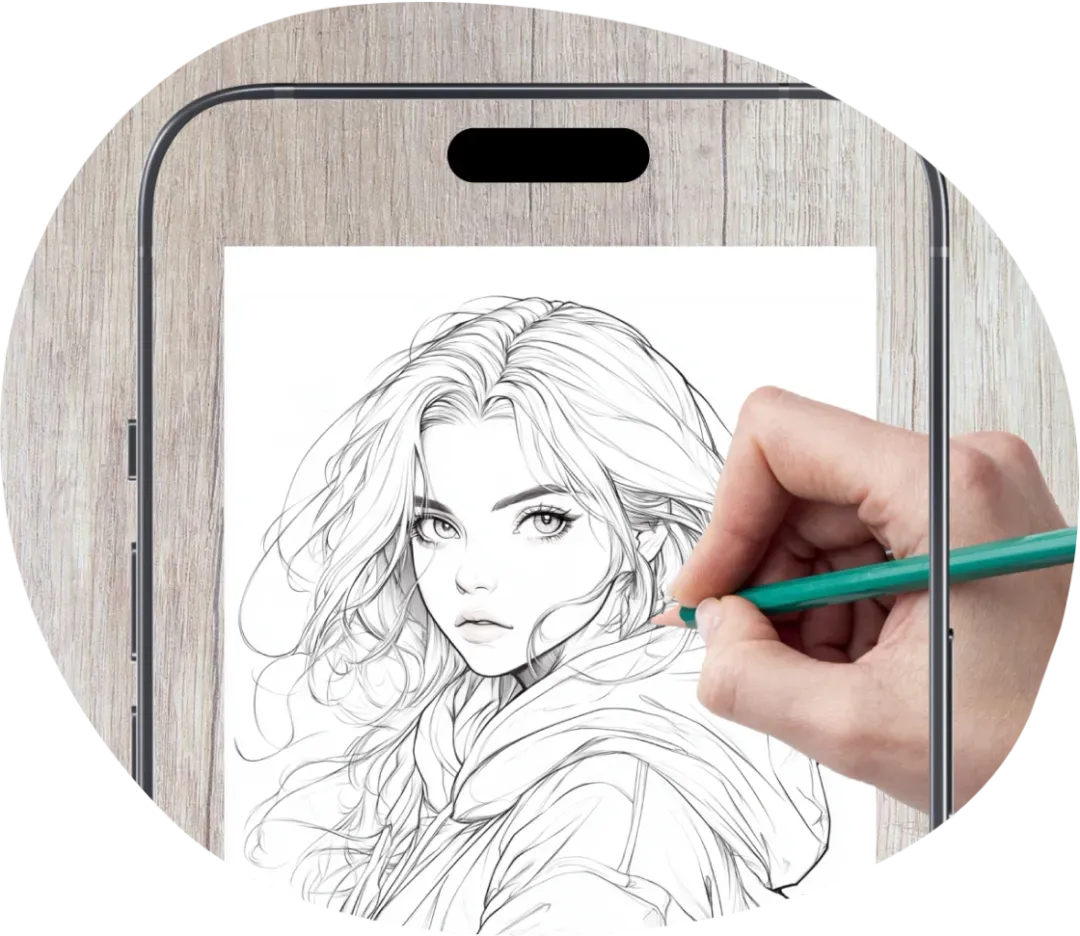
AI Drawing & Sketch Generator
Generate unique images with AI in just a few simple steps. Create drawings based on your ideas, explore different subjects, and get results in seconds.


How to Generate Drawings with AI

Select a Difficulty Level
Choose from four options: Easy, Intermediate, PRO, or PRO-Color, depending on how detailed you want your image to be.

Choose an Art Style
Pick your preferred style, such as Anime, Sketch, Cartoon, Fantasy, or Oil Painting.

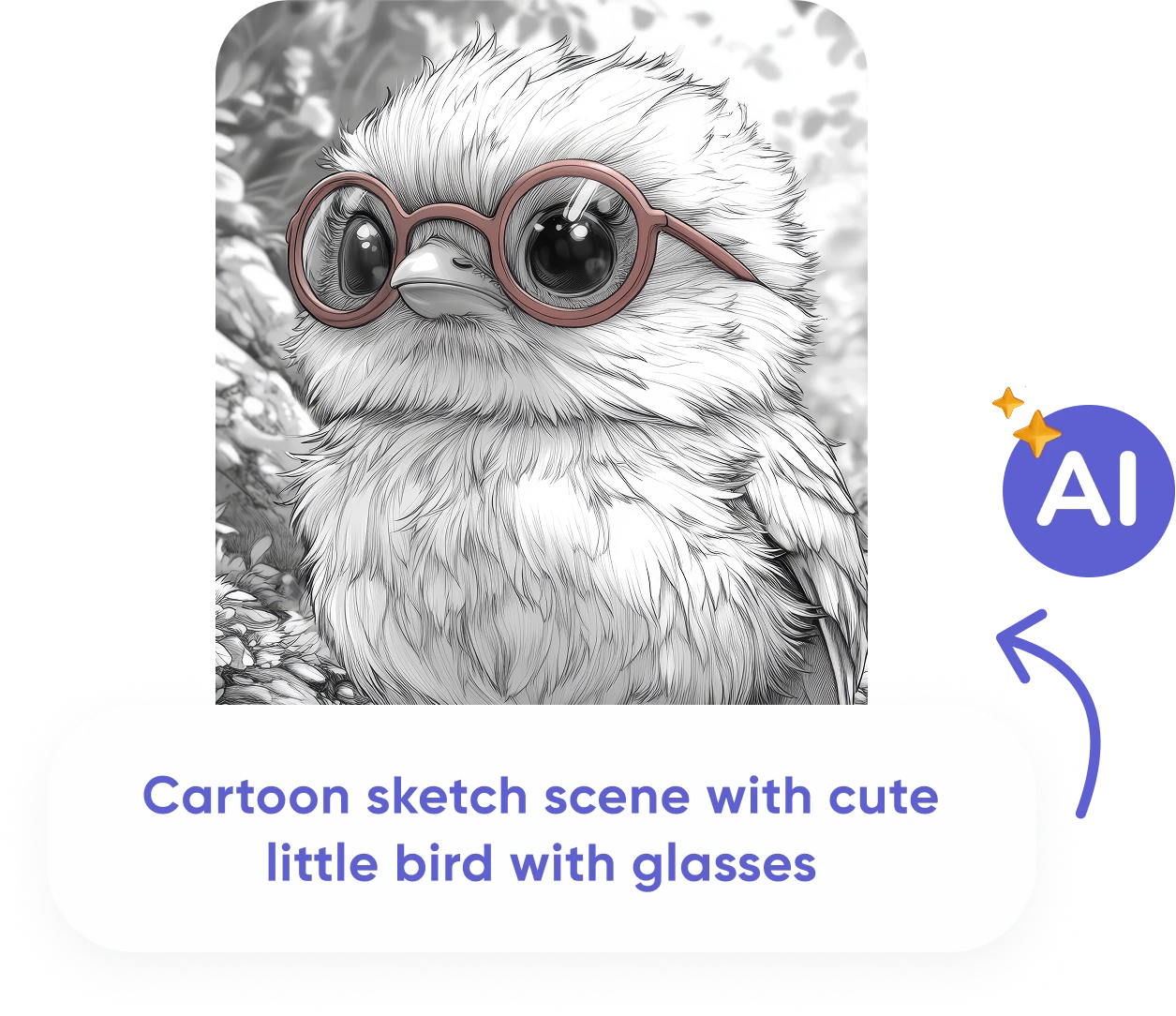
Describe Your Image
Enter a short text prompt describing what you want to create, or tap Surprise Me for a random idea. Then tap Generate to see the result.
Explore AI Drawing Styles
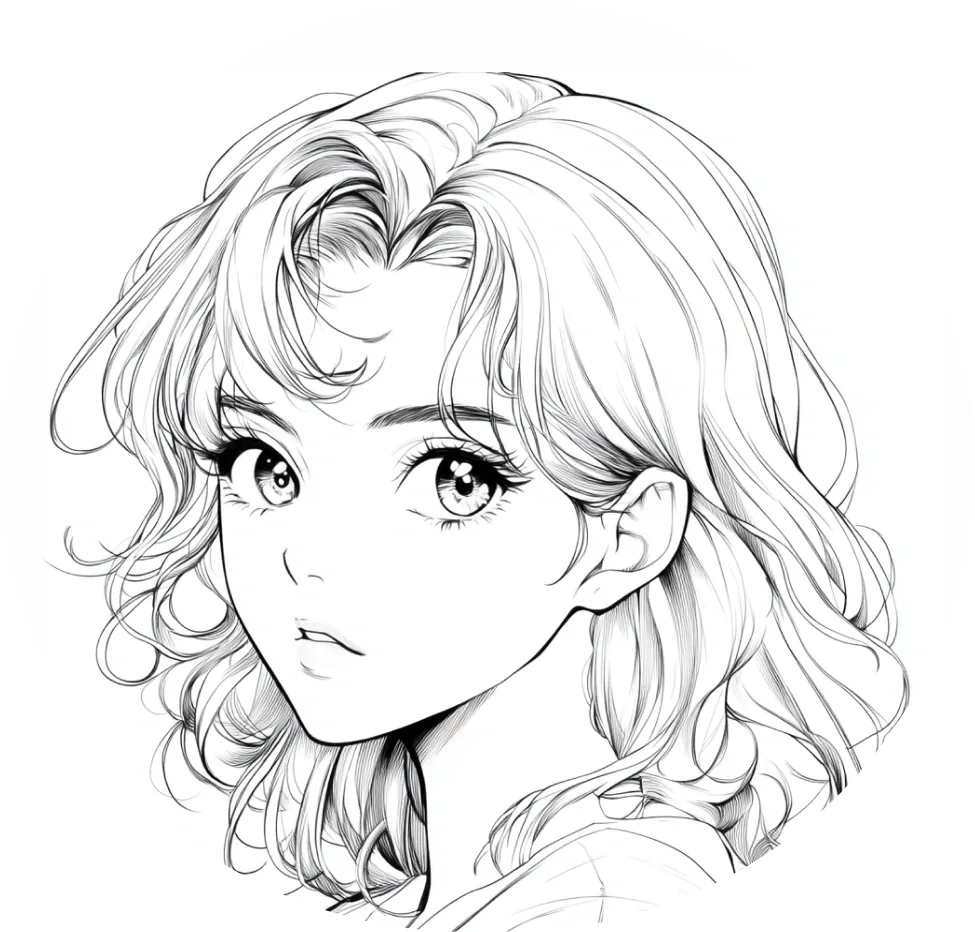
Anime
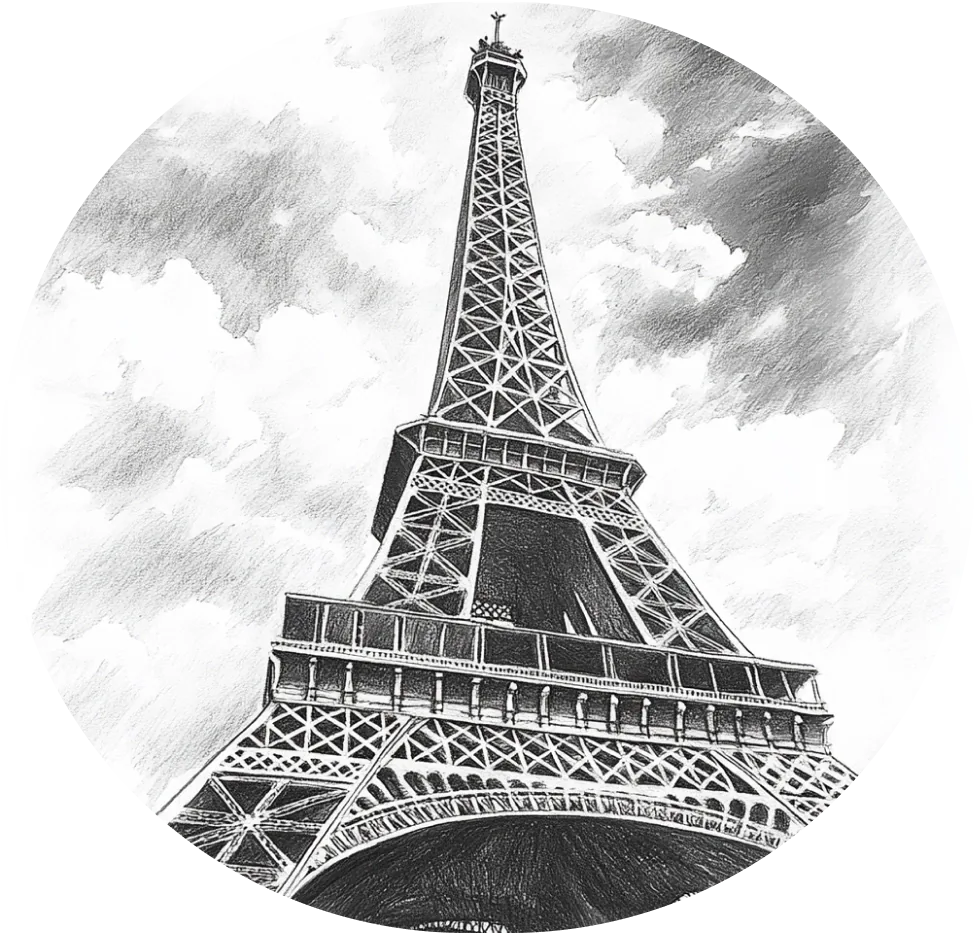
Sketch
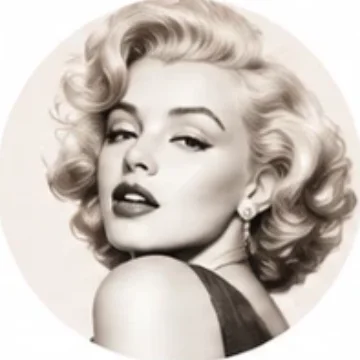
Celebrities
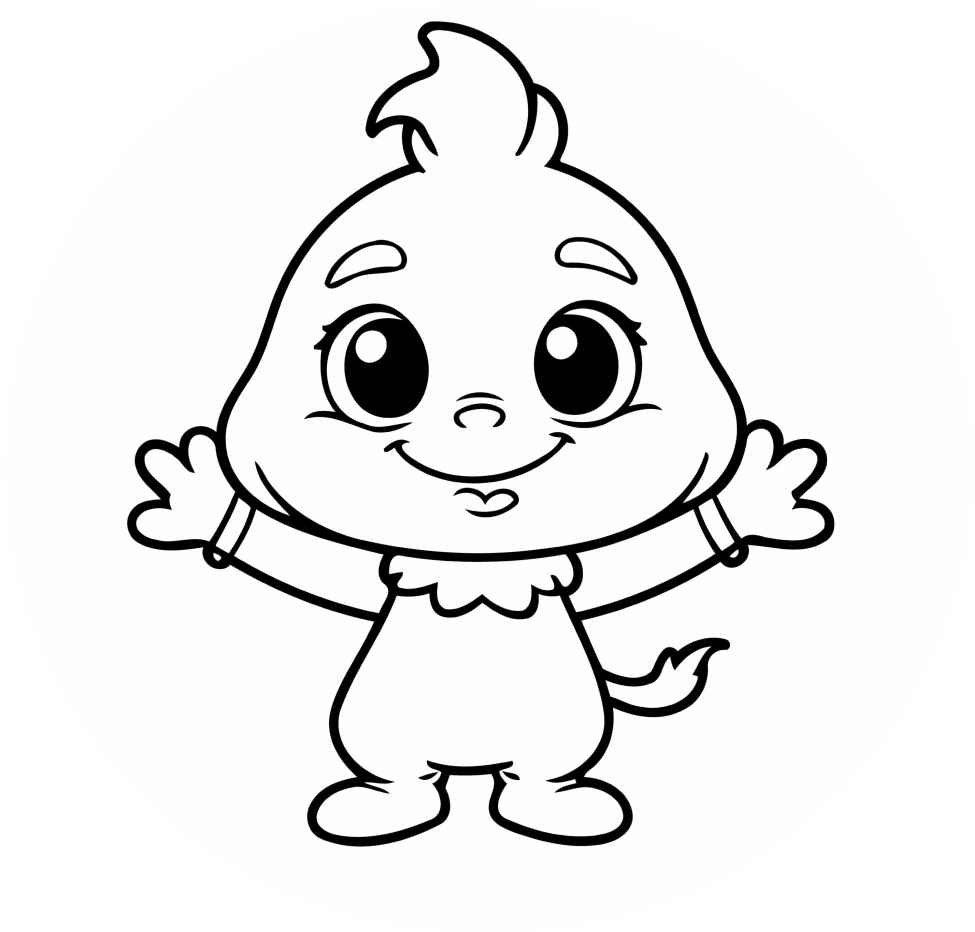
Cartoon
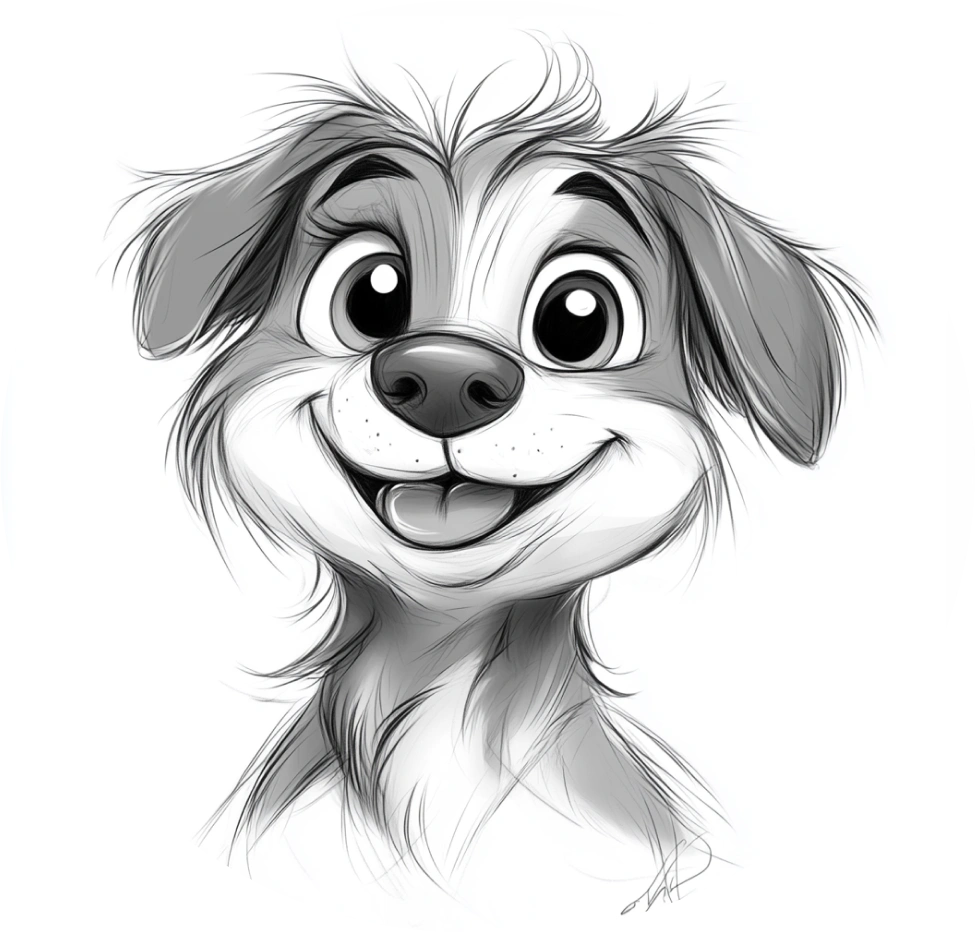
Cute
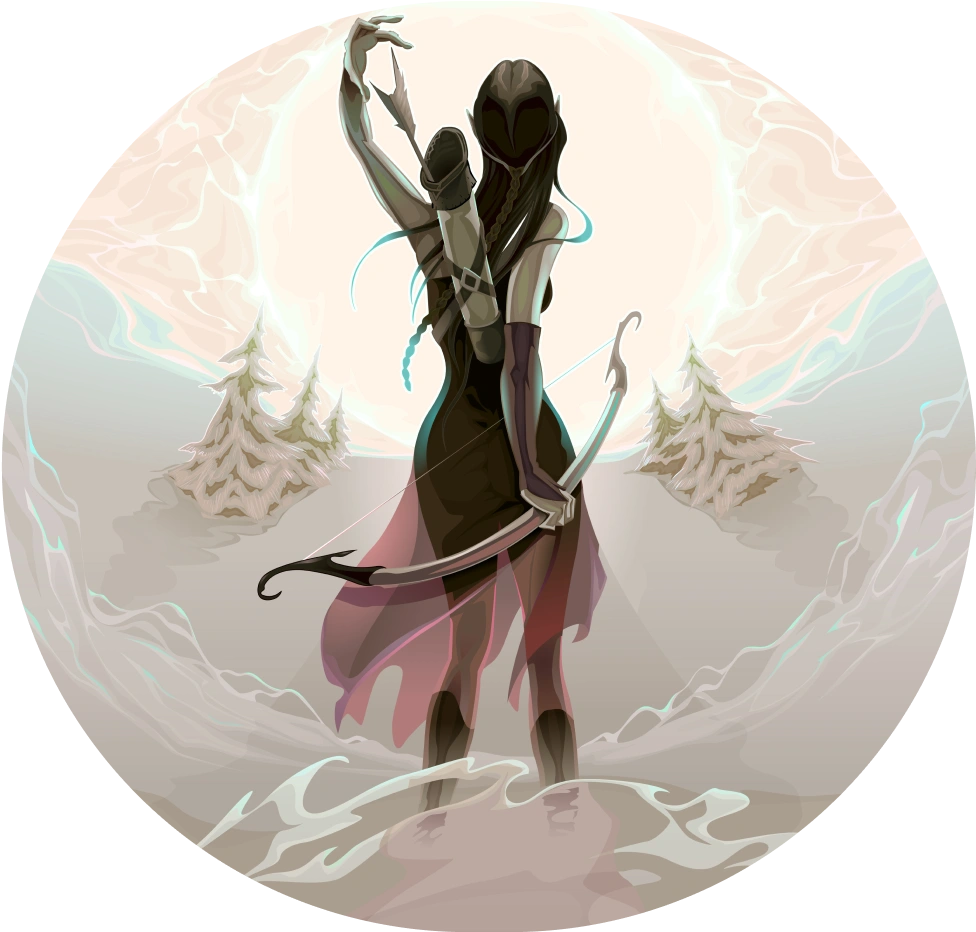
Fantasy
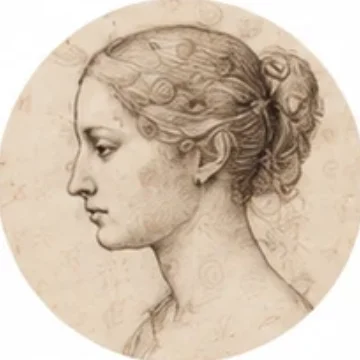
Old Drawing
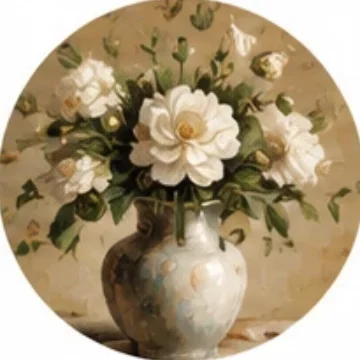
Oil Painting
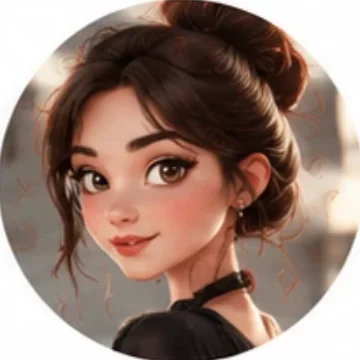
Character 3D
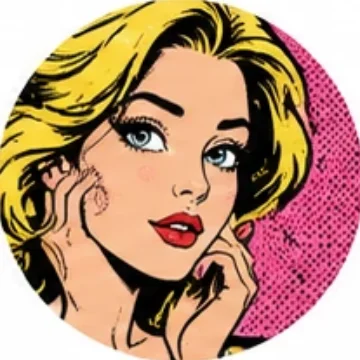
Pop Art
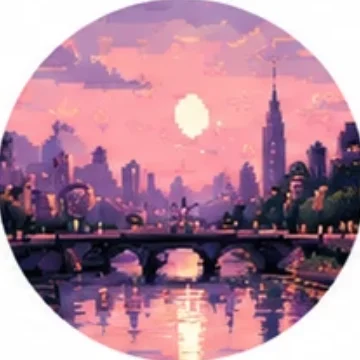
Pixel Art


FAQ
Can I create an image without writing a prompt?
Yes. Use the Surprise Me feature to get a random idea without entering your own description.
Can I save the artwork to my phone?
Yes. Once your AI image is ready, tap the download icon to save it to your device.
What if I don't like the result?
Simply tap Regenerate to create a new version.
Can I draw my AI creation on paper?
Yes. Tap Draw now to use your creation as a guide for drawing on paper with AR.