Tracing app for drawing
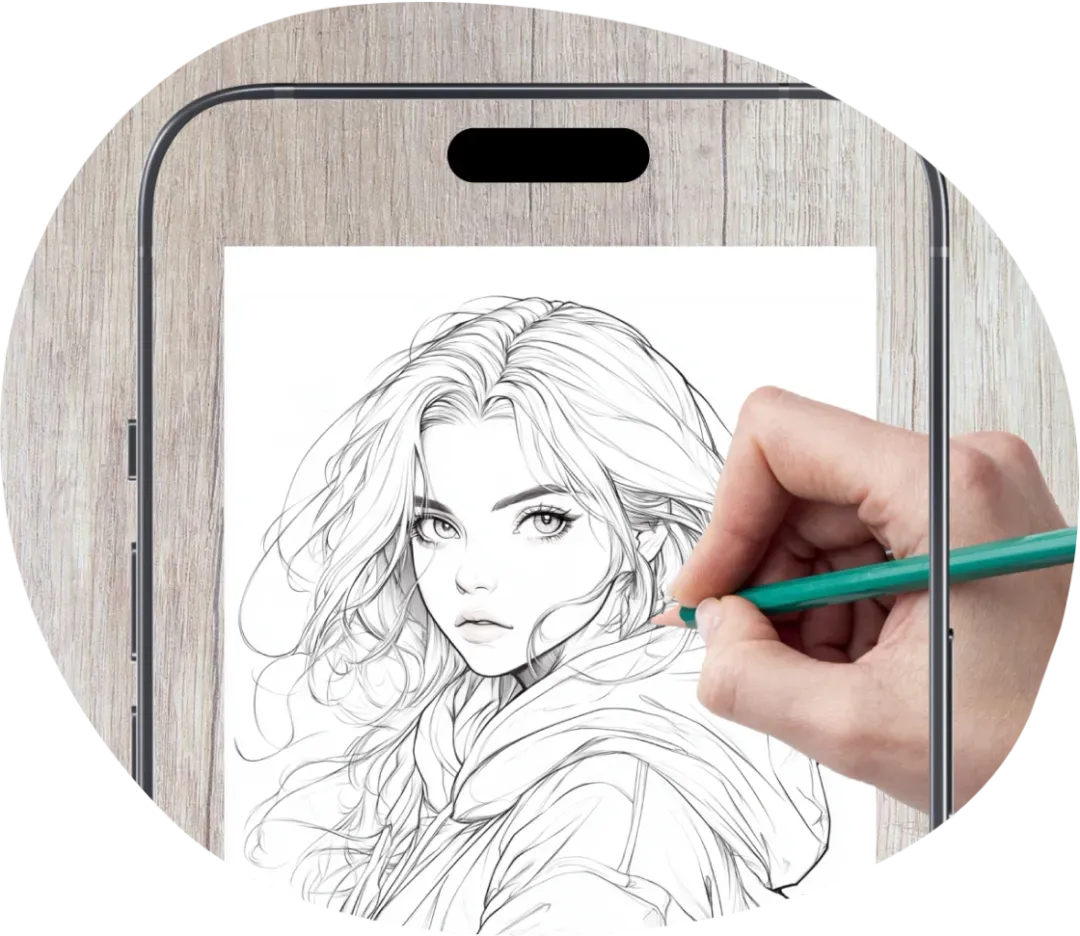
Turn images into sketches with ease. Simply choose a photo or image, adjust its size and position, and use trace drawing to follow the outlines on your screen. Create accurate sketches with less effort and more confidence.


How to Trace a Picture onto Paper

Pick a Picture to Trace
Browse the collection of templates, import a photo from your gallery, take a photo, or use AI to create a custom sketch.

Position Your Image
Use your phone or tablet as a drawing projector by placing it above the paper. Adjust the zoom, rotation, position, and transparency to align the outline with your paper.

Follow the Outline
In tracing mode, follow the visible lines on your screen and transfer them onto paper with a pencil.

Add the Final Details
Once the basic outline is complete, add shading, colors, or your own creative touches.
Templates
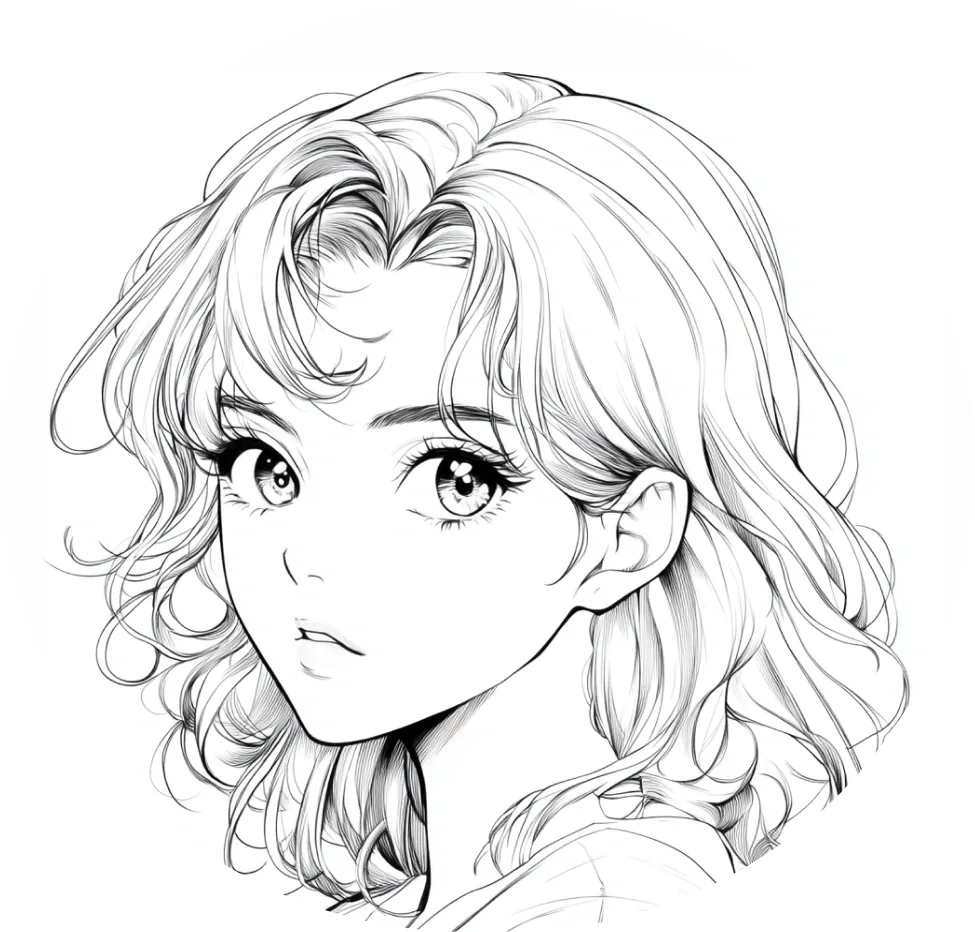
Anime

Cartoon
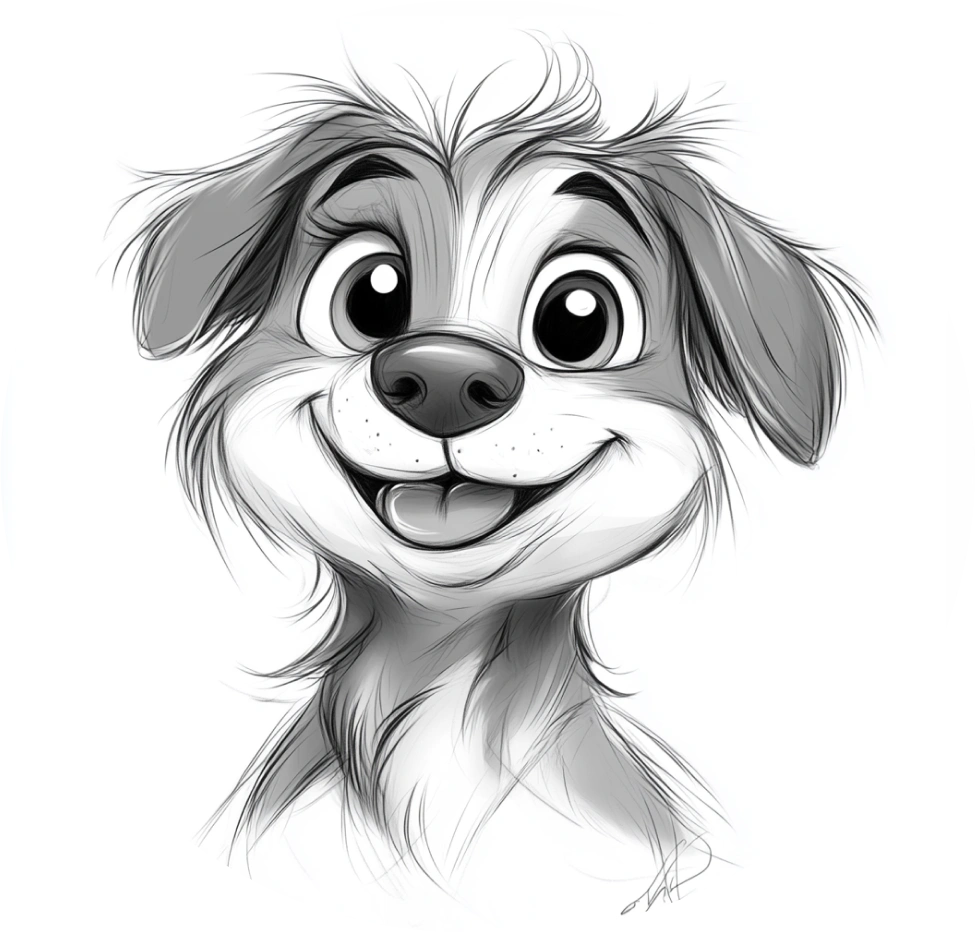
Cute
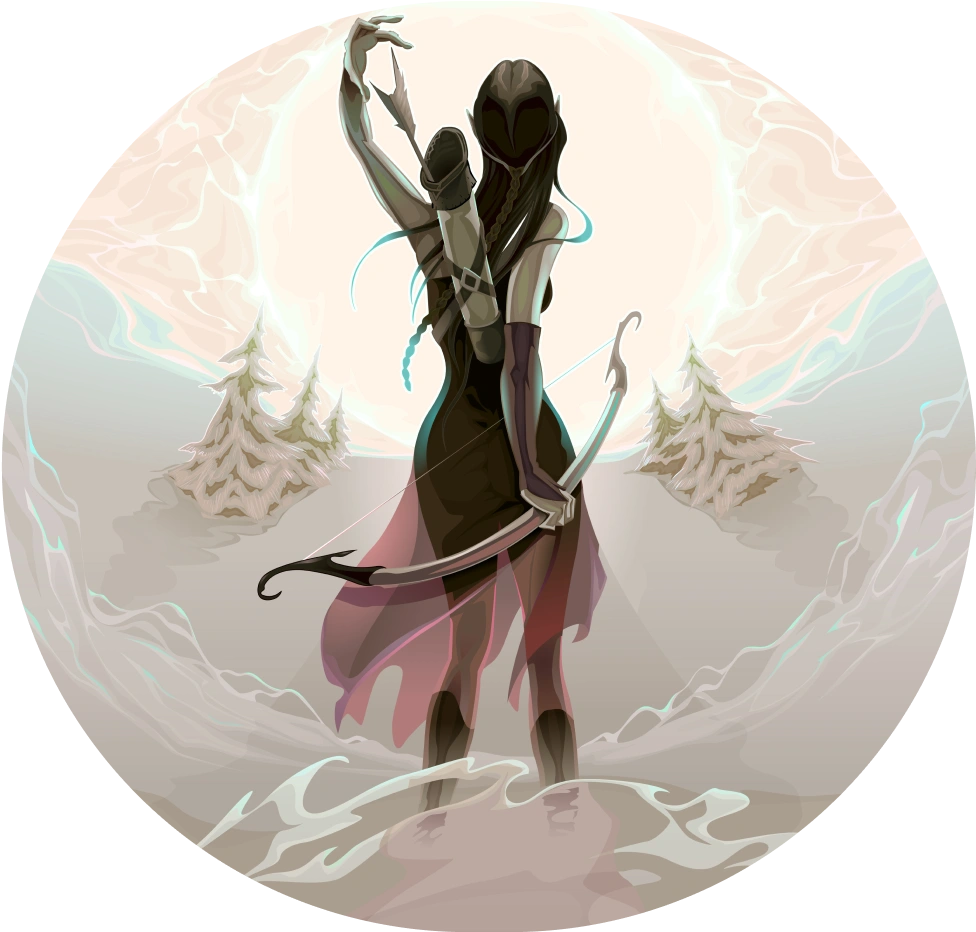
Fantasy
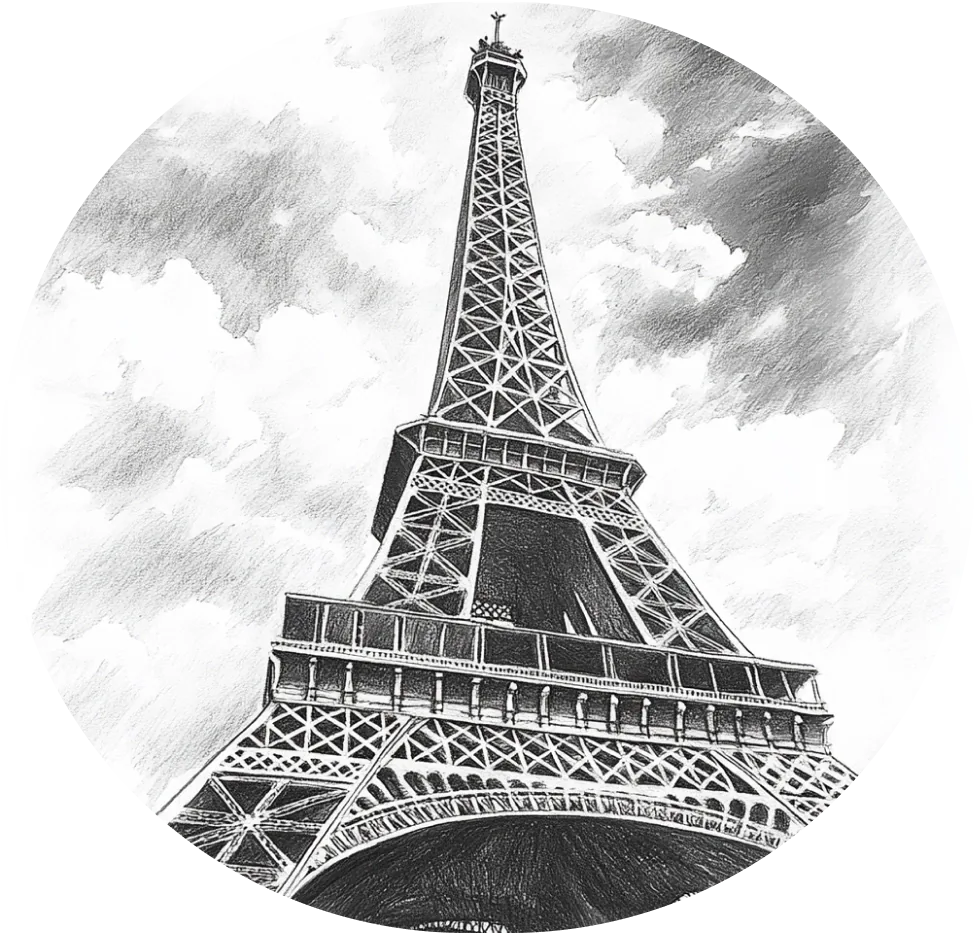
Architecture
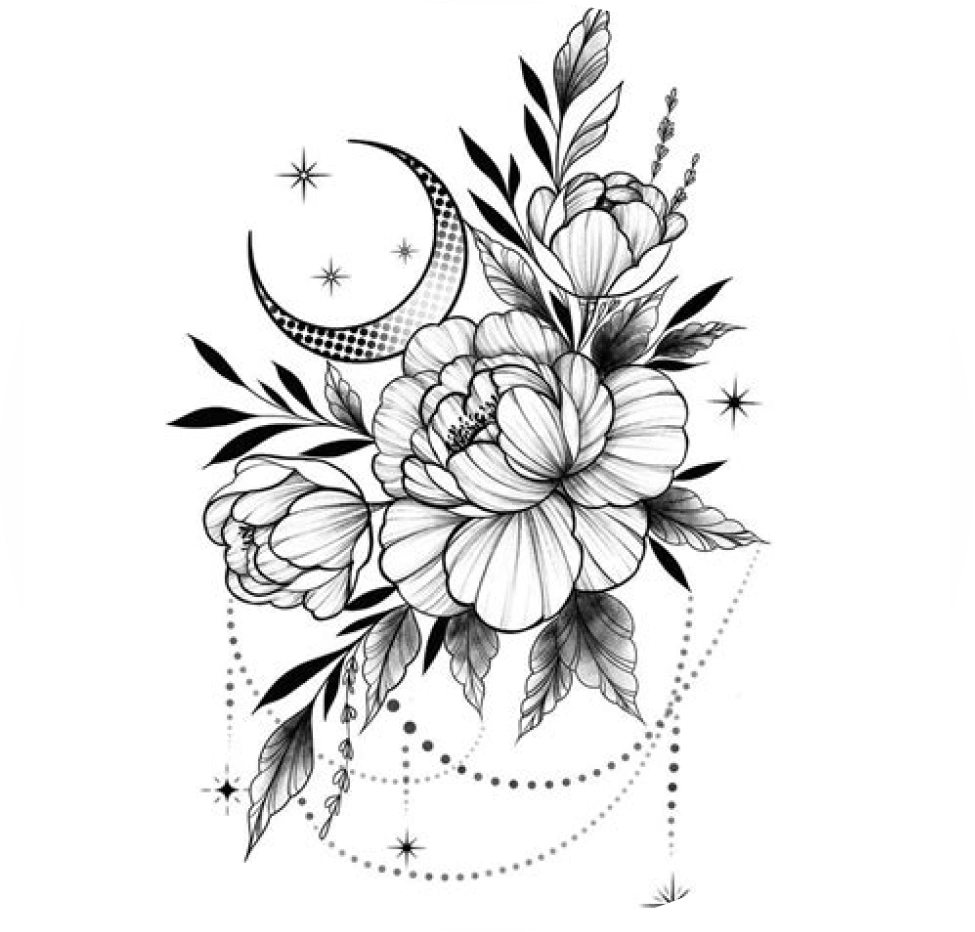
Tattoo
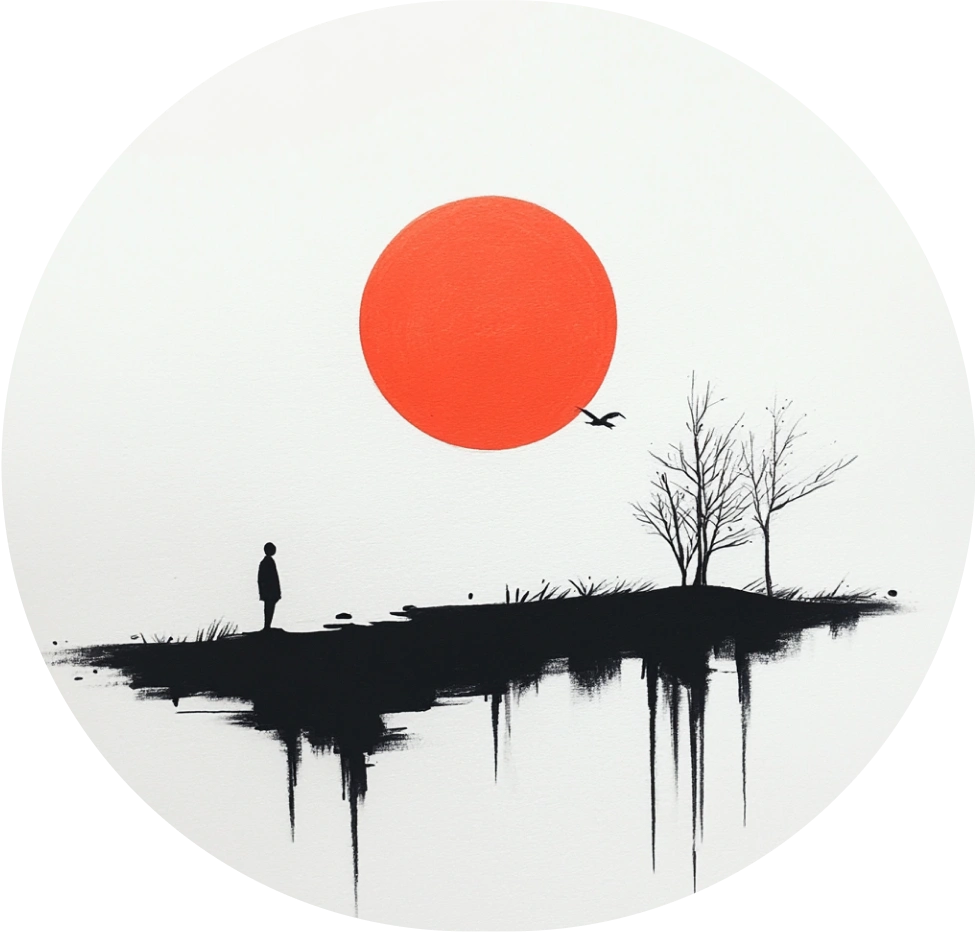
Aesthetics
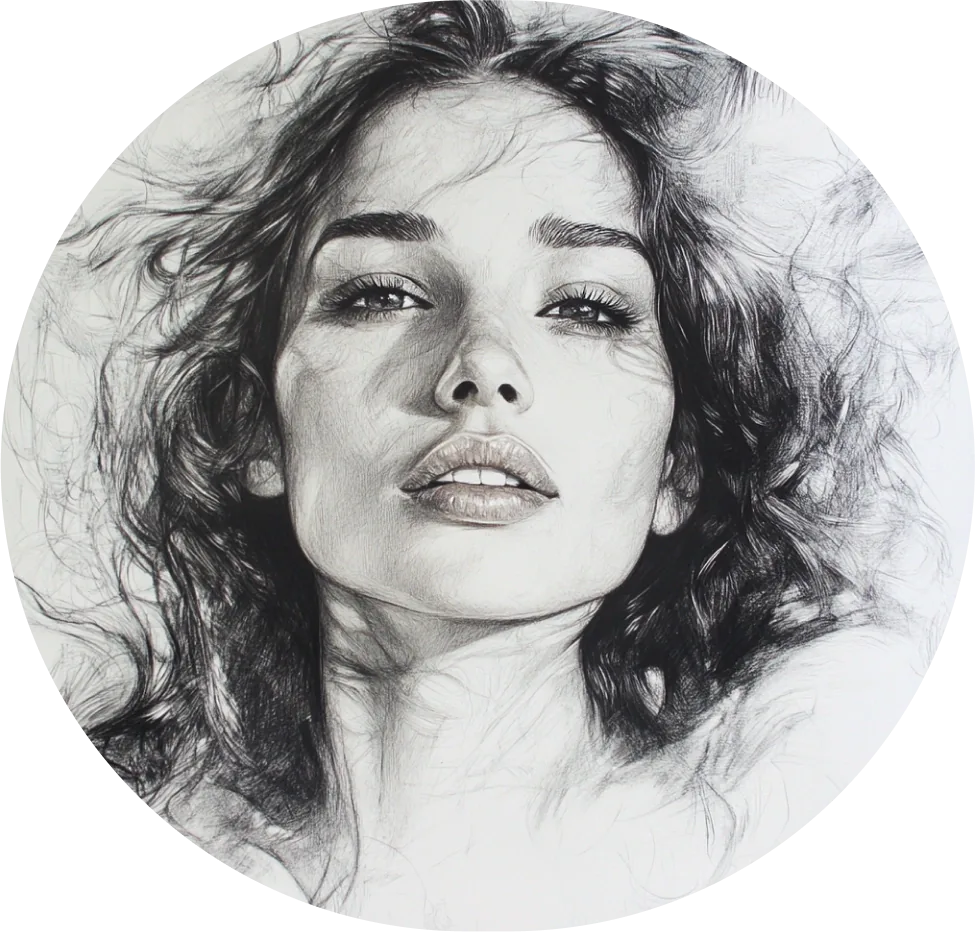
People

Abstract
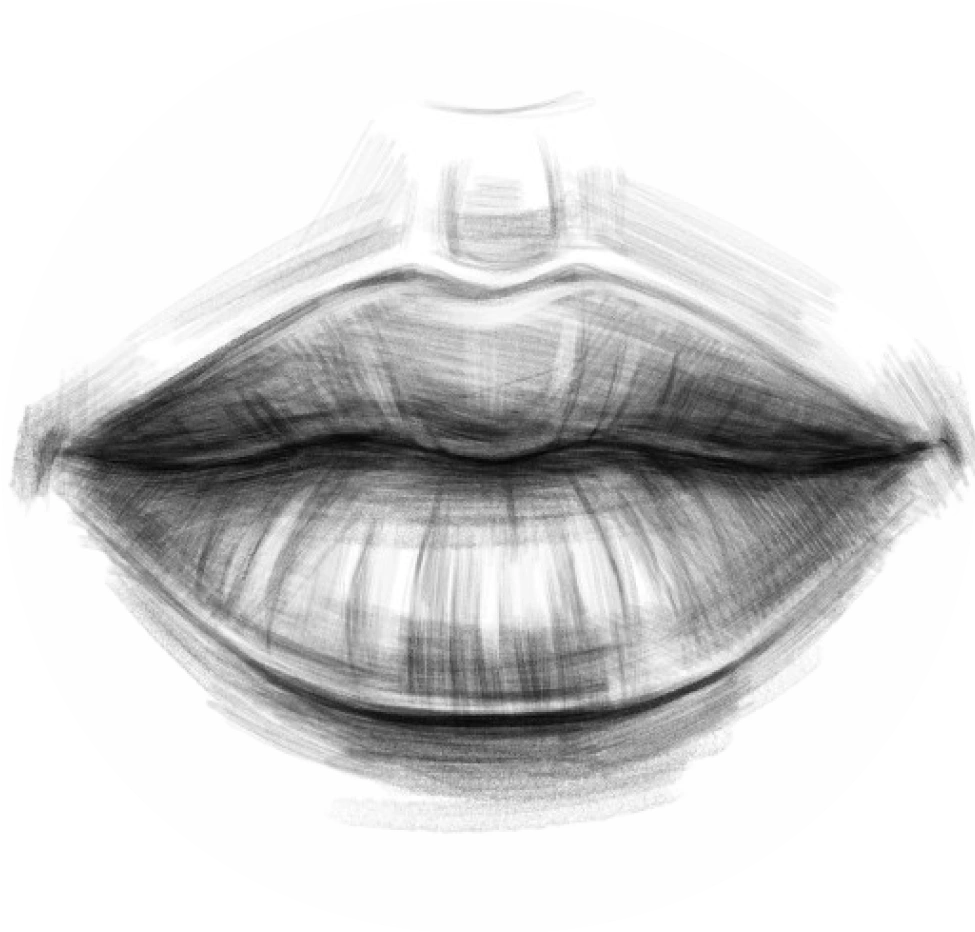
Anatomy
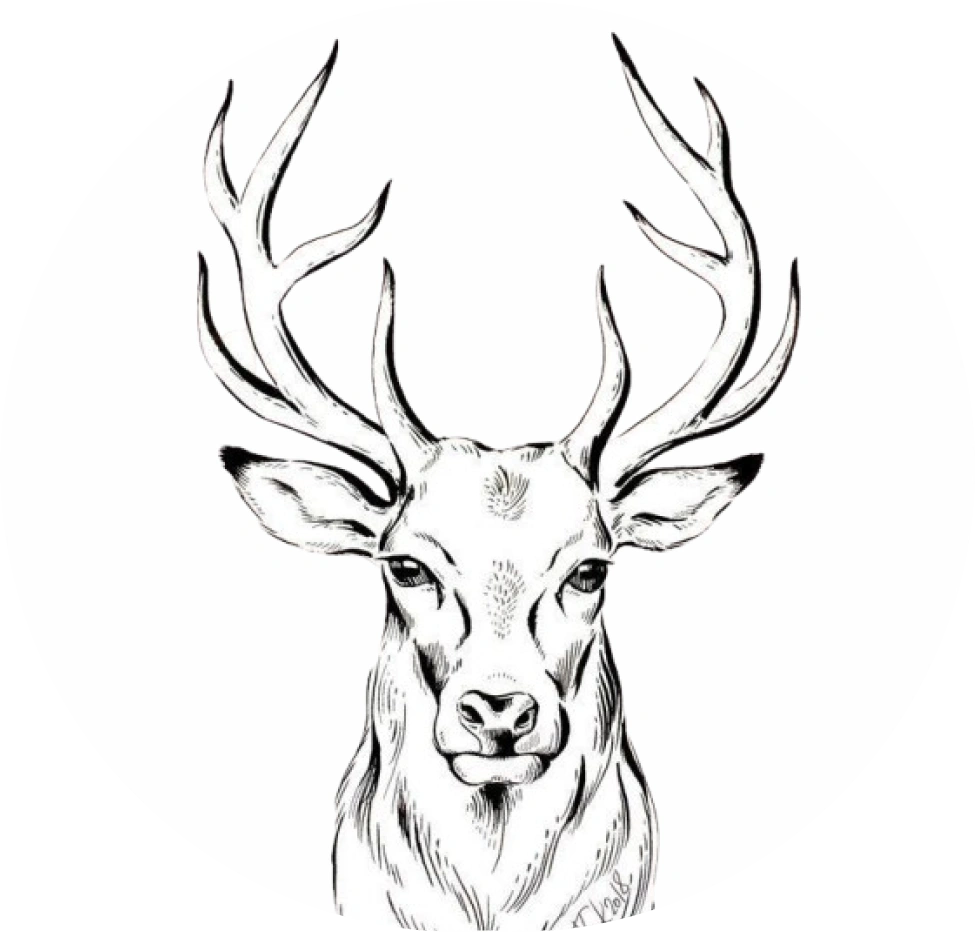
Animal

Cars
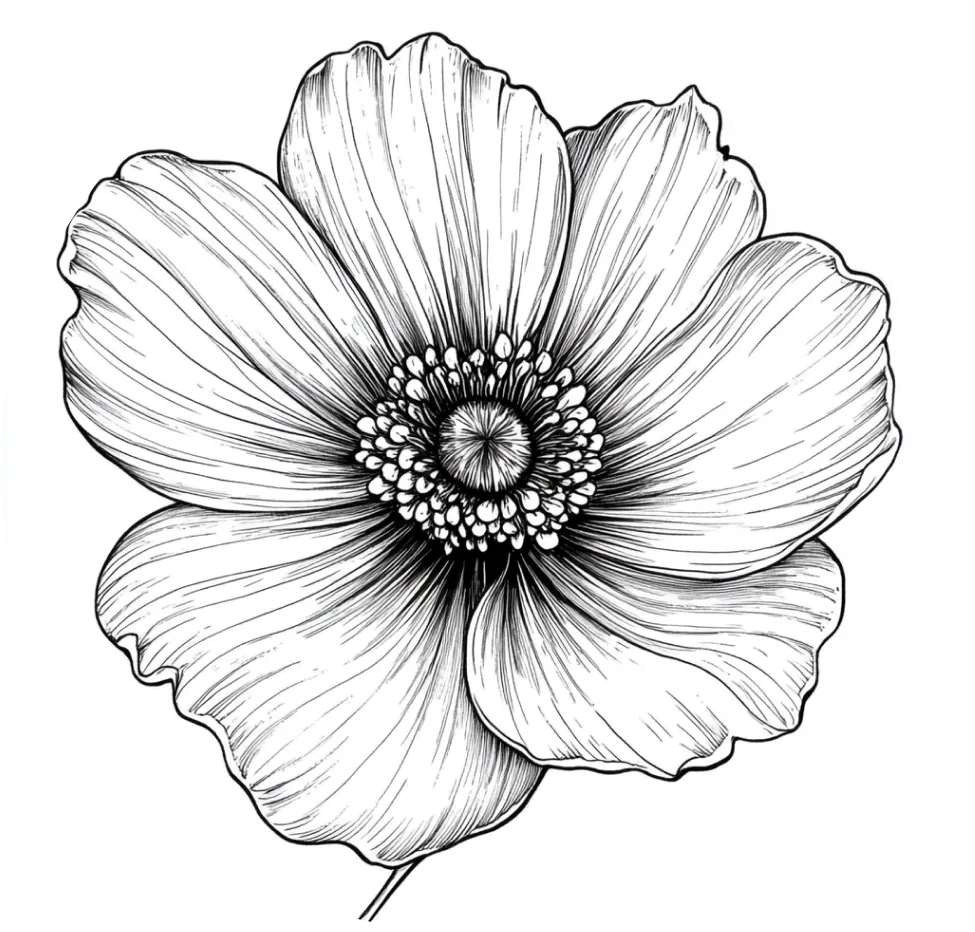
Flowers
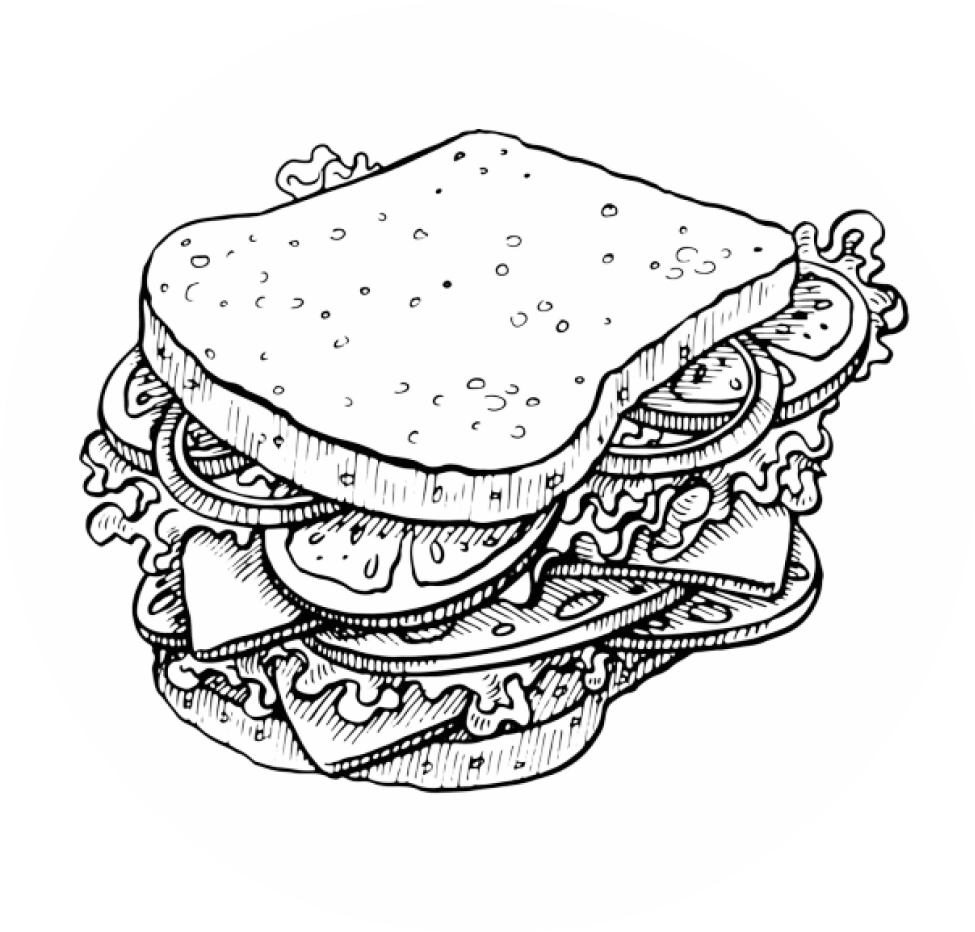
Food
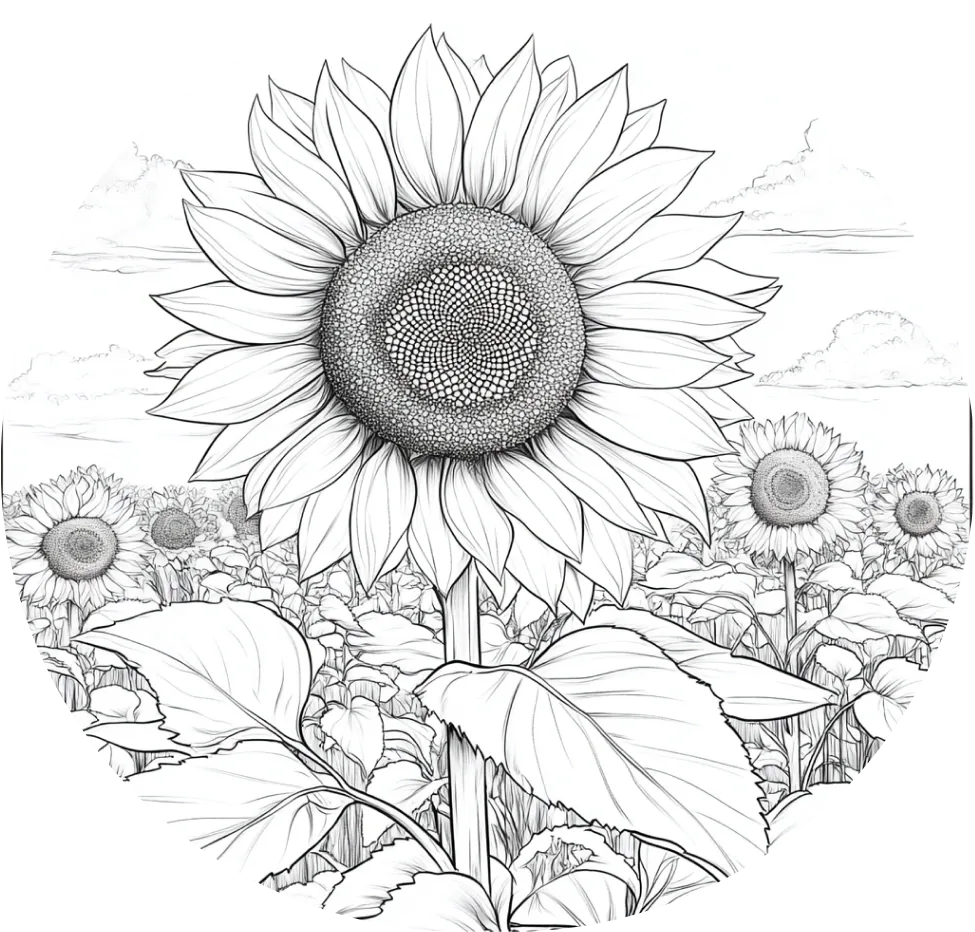
Nature


User Showcase
FAQ
What Are the Minimum Device Requirements for Using ArtEasy?
iPhone: Requires iOS 15.0 or later.
iPad: Requires iPadOS 15.0 or later.
iPod touch: Requires iOS 15.0 or later.
Mac: Requires macOS 12.0 or later and a Mac with Apple M1 chip or later.
Apple Vision: Requires visionOS 1.0 or later.
Is it easy to get started as a beginner?
Yes! A tracing app is a great starting point for beginners who want to learn to draw by practicing with visual guides.
How Does the Free Trial and Subscription Work?
Explore all ArtEasy features with a 3-day free trial. Once the trial ends, your subscription begins automatically, and the payment is charged through the App Store or Google Play, depending on your device, unless you cancel beforehand.
Your subscription renews at the end of each billing period. You can manage or cancel it anytime through your Apple ID settings or Google Play subscriptions.
Cancel before the free trial expires to avoid being charged. All displayed prices include applicable taxes.
Do I need a projector or tracing paper?
No. You don't need a physical projector, lightbox, or special equipment.