AR Draw & Sketch App
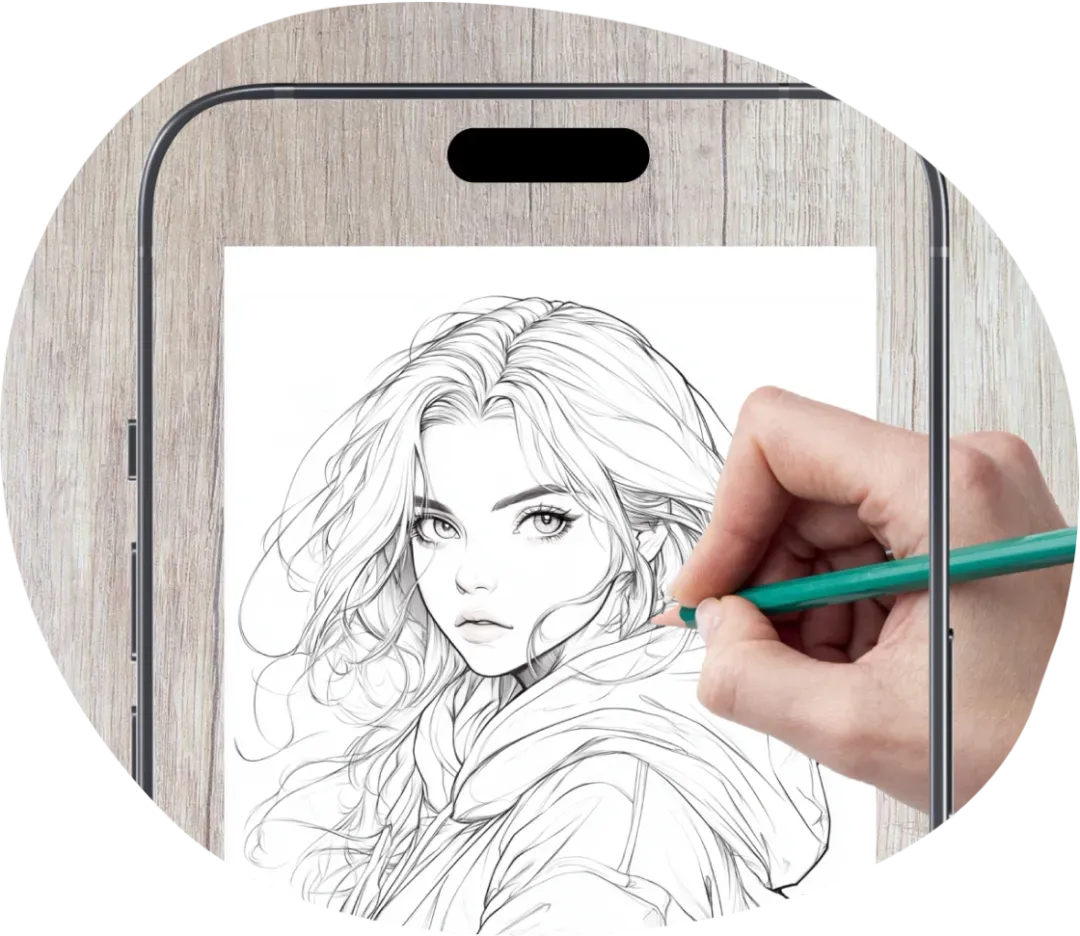
Turn your favorite images into sketches on paper with an AR drawing app. Use your smartphone camera as a visual guide to draw accurate lines, get proportions right, and create artwork you'll be proud of, even as a beginner.


Make Sketching Easier with AR

Create What You Love
Choose from a library of templates or upload your own photos to create sketches of your favorite subjects.

Draw with Confidence
AR guides help you place lines correctly and keep proportions accurate, even if you have little artistic experience.

Improve Your Skills
Practice drawing with step-by-step lessons and AR guides that help you understand shapes, proportions, and details.
How to Draw and Sketch with AR

Choose Your Image
Use a template, upload a photo from your gallery, take a new picture, or create a custom sketch with AI.

Position Your Image
Place your smartphone or tablet above a sheet of paper. Adjust the image size, rotation, position, and opacity to fit your drawing area.

Follow the Lines
Follow the AR drawing sketch on your screen to recreate the outline on paper with a pencil.

Make It Your Own
Add shading, colors, and personal details. Turn a simple outline into a finished piece of artwork.
Templates
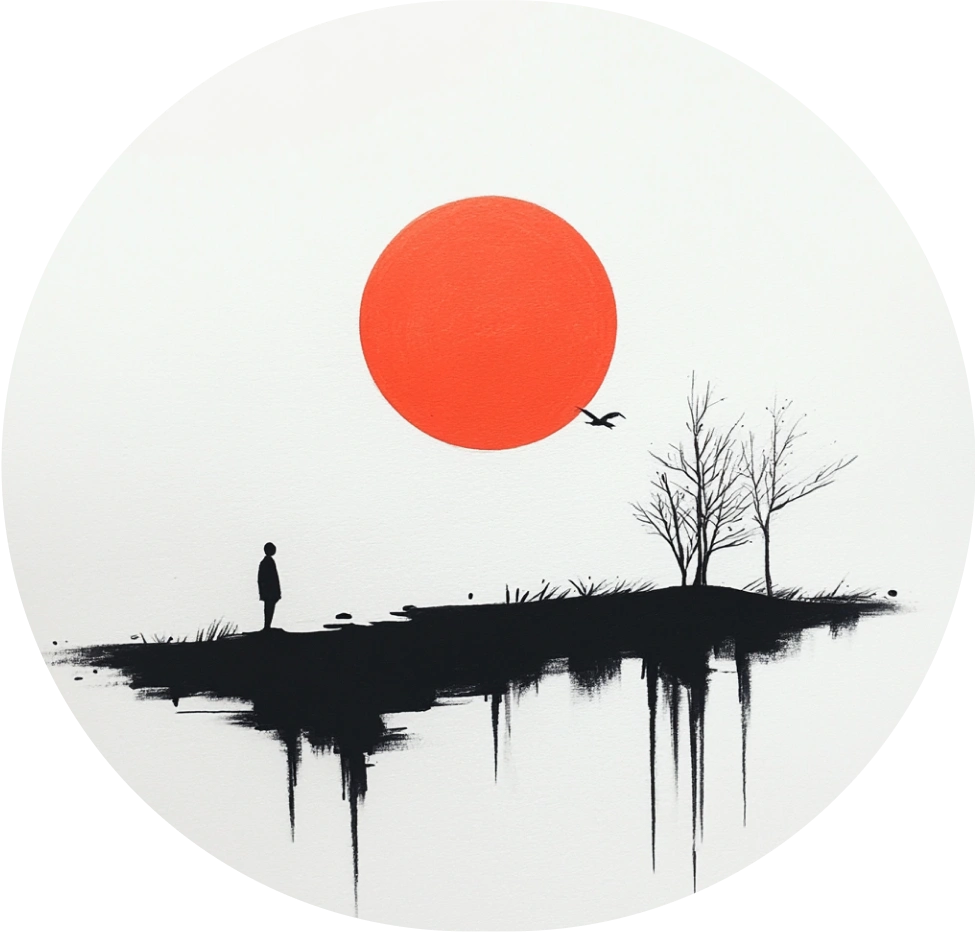
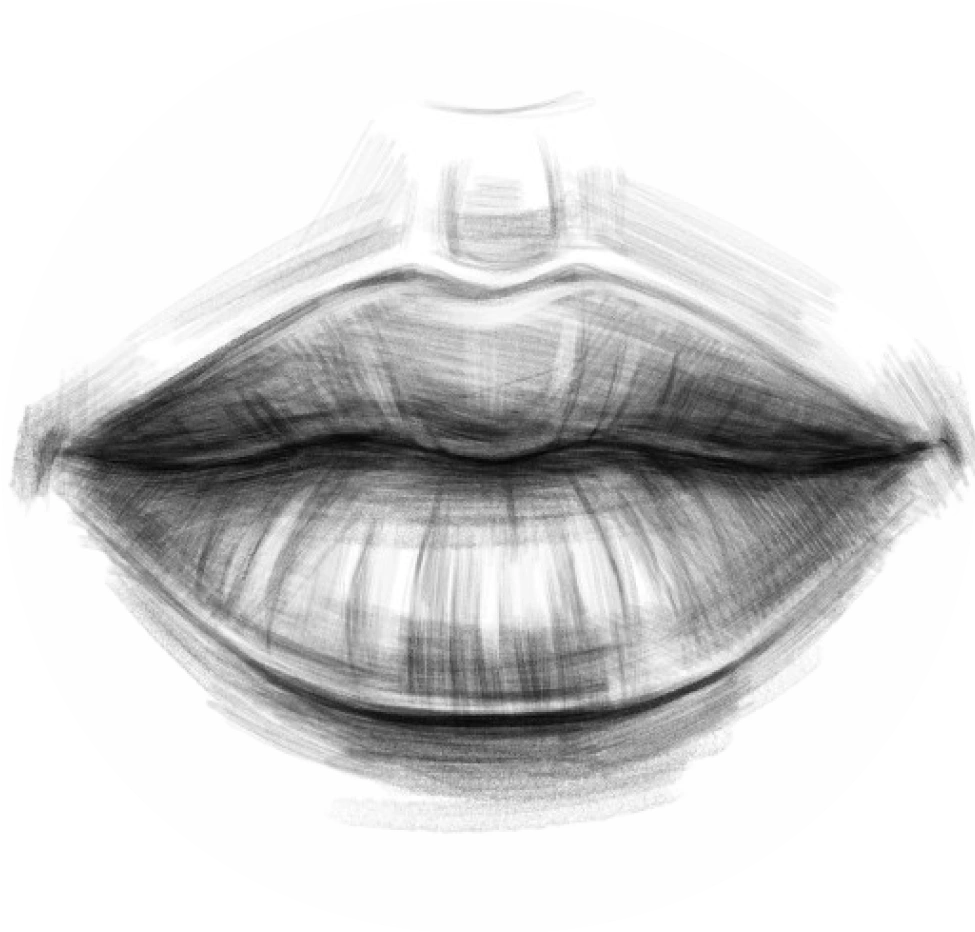
Choose from a variety of templates, including anime characters, cartoons, and cute illustrations. Find inspiration for your next drawing, whatever your skill level.

Anime

Cartoon

Cute

Fantasy

Architecture

Tattoo
Aesthetics

People

Abstract
Anatomy

Animal

Cars

Flowers

Food

Nature
Turn Your Photos into Sketches
Upload a picture from your gallery and let the app create a sketch from it. Use the image as a guide to draw on paper with augmented reality.
Get Started For Free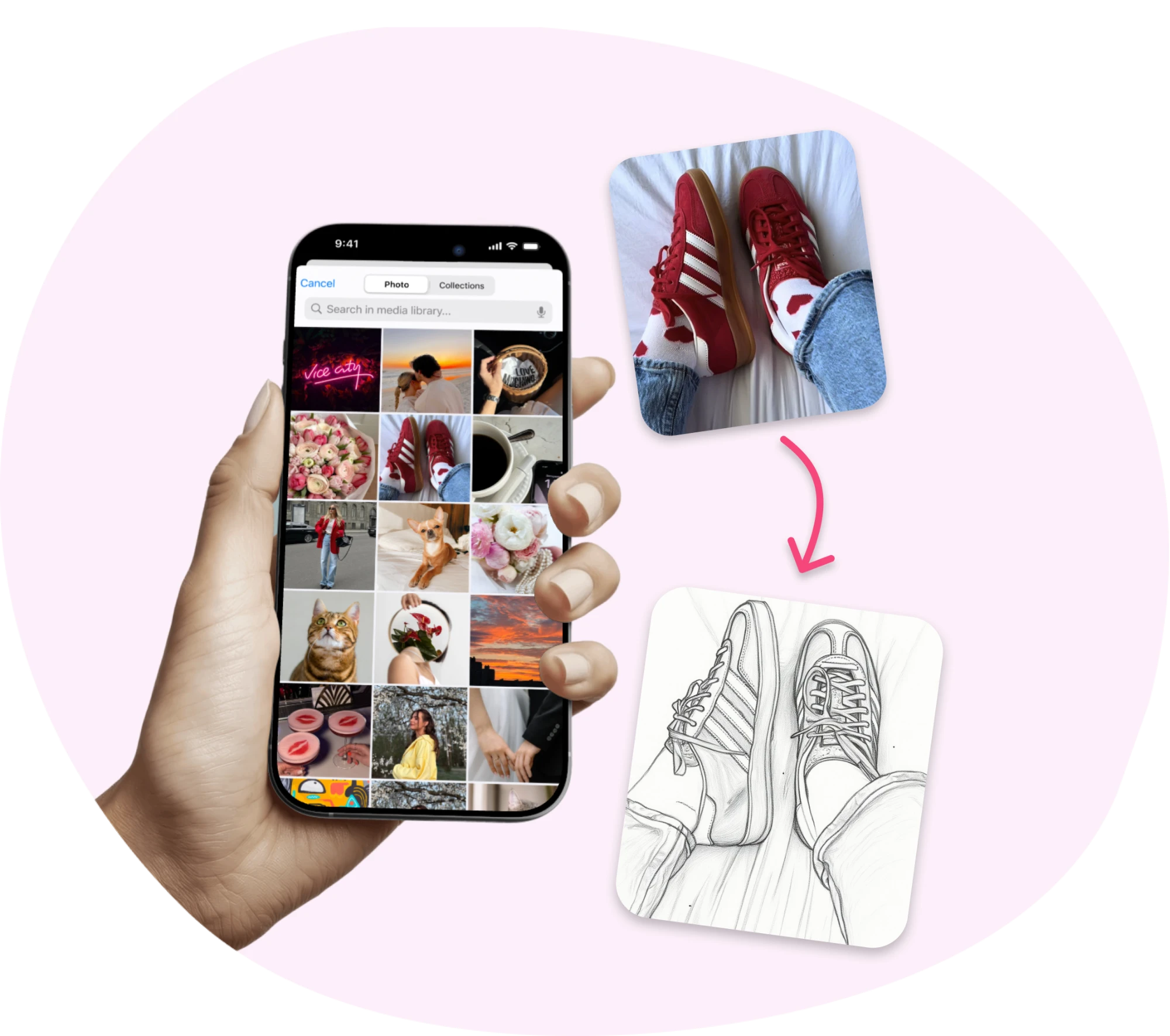




Learn to Draw with Step-by-Step Lessons
You don't need to be an artist to get started. Follow simple lessons that show you what to draw, one line at a time. Practice at your own pace, build your skills, and enjoy creating sketches without feeling overwhelmed.


User Showcase
FAQ
What Devices Are Compatible with ArtEasy?
iPhone: Requires iOS 15.0 or later.
iPad: Requires iPadOS 15.0 or later.
iPod touch: Requires iOS 15.0 or later.
Mac: Requires macOS 12.0 or later and a Mac with Apple M1 chip or later.
Apple Vision: Requires visionOS 1.0 or later.
How Does the Free Trial Work?
Get full access to ArtEasy's features with a 3-day free trial. If you don't cancel before the trial ends, your paid plan starts automatically, and the payment is charged through the App Store or Google Play, depending on your device.
Your plan renews automatically at the end of each billing period until you cancel. You can manage or cancel it anytime through your Apple ID settings or Google Play subscriptions.
To avoid being charged, cancel before your free trial expires.
Do I need a projector or tracing paper?
No. You don't need a physical projector, lightbox, or special equipment.